

AI Can Build Your Visuals
There is a whole category of AI most founders have not touched yet. It generates images from scratch. Here is the landscape, what each tool does, and where to start.
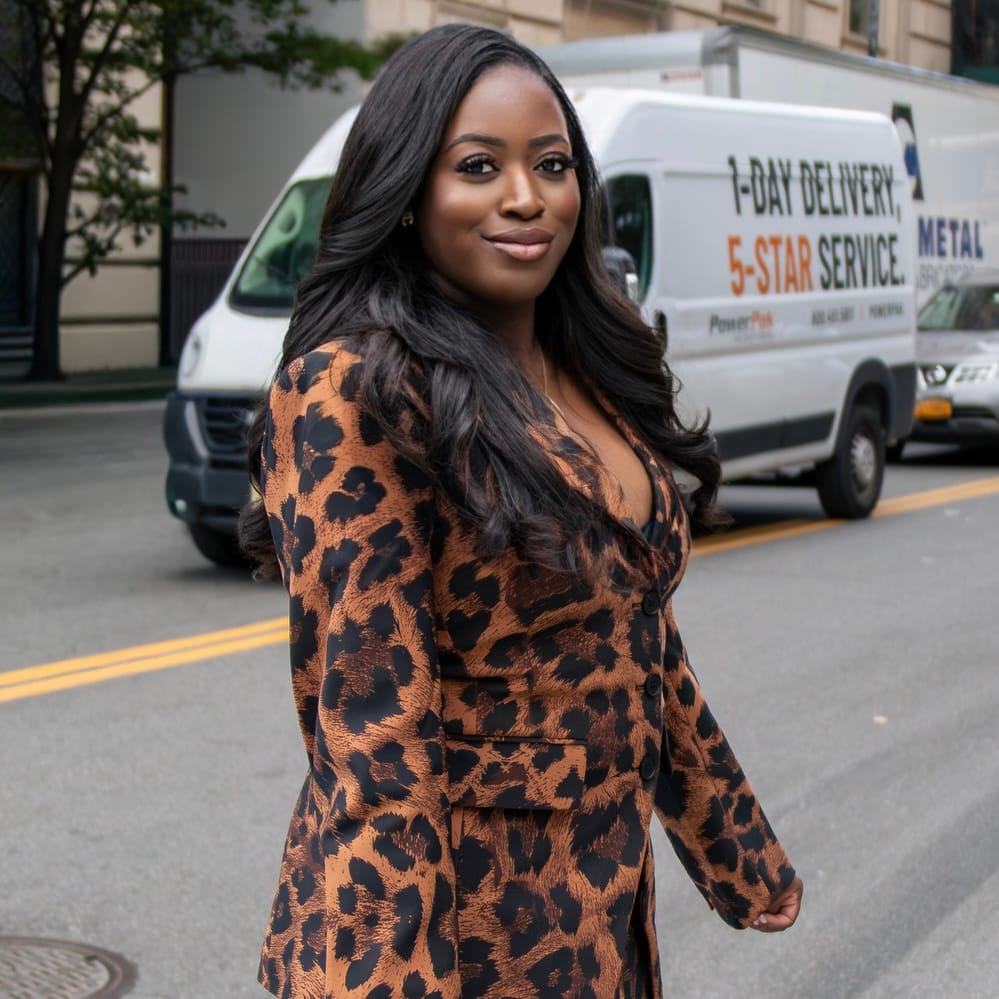
Most founders have used the AI that writes. Fewer have explored the side that creates images. You type a description and a fully original visual is generated in seconds.
The tools have matured significantly. What used to produce obviously artificial-looking results now generates imagery that is difficult to distinguish from a professional photo shoot. For a founder trying to build a brand presence without a design budget, this matters.
Here is what is actually available and what each tool is best suited for.
Nano Banana (Google Gemini)
Google's image generation model, built into the Gemini app, is the most accessible starting point for anyone new to this. You already have a Google account. You open Gemini, select the image creation tool, and type a description. The model is known for following instructions precisely, which matters when you are trying to generate something specific rather than something generic. It also edits existing images through text commands. Upload a photo, tell it what to change, and it adjusts without rebuilding the whole image. The latest version is free through the Gemini app with usage limits.
ChatGPT Image Generation
Currently ranked highest on the LM Arena leaderboard, which uses blind human preference testing across thousands of comparisons, ChatGPT's image generation is the strongest overall recommendation for most business use cases right now. What makes it practical is the conversational workflow. You describe what you want, see the result, then type adjustments naturally. Change the background. Make it warmer. Add a product. Shift the composition. It responds like a back and forth conversation rather than a single output you accept or reject. Available on the free plan with limited usage, and more on paid plans.
Midjourney
The creative benchmark. Midjourney produces the most visually striking, artistically compelling imagery of any tool available. Designers, agencies, and brand-forward founders use it for high-end concept visuals, brand mood boards, and anything where aesthetic depth matters more than pure accuracy. It requires a paid plan starting at $10 a month and images are posted publicly by default, which is worth knowing before you use it for business concepts you want to keep private.
Ideogram
Built specifically to solve the problem that every other image generator still struggles with: text inside images. If you need a promotional graphic, a poster, a social media image with a headline on it, or any visual where readable text is part of the design, Ideogram handles this better than anything else available. Most other tools still produce distorted or misspelled text inside images. Ideogram does not. It has a free tier and paid upgrades for heavier use.
Adobe Firefly
The most commercially safe option. Firefly was trained exclusively on licensed content, which means the images it generates carry the lowest legal risk for business use. If you are running paid advertising, putting images on a product, or using them in any professional context where commercial licensing matters, Firefly is the most defensible choice. It is included in Adobe Creative Cloud and available as a standalone plan starting at $10 a month.
Where to Start
If you have never tried any of these tools, open ChatGPT or Gemini this week and generate one image your business actually needs. A social media visual. A product mockup. A brand lifestyle image. The first attempt won't always be perfect. Refine the description and generate again. That iteration process is the skill, and it gets faster quickly.
One thing consistent across all platforms: the more specific your description, the better the output. Lighting, setting, mood, colors, subject, and composition all belong in your prompt. Vague descriptions produce generic images. Specific ones produce usable ones.
Builder Plus members can use the Advertisement Author tool inside the dashboard to turn any visual into conversion-ready ad copy once your image is ready.
Action Checklist:
- Start with ChatGPT or Nano Banana in Gemini, both have free access
- Generate one image your business needs this week and practice refining your description
- Use Ideogram if you need text rendered correctly inside an image
- Use Adobe Firefly if commercial licensing safety is a priority for your use case
- Confirm usage rights on whatever platform you choose before running paid ads
Written by